Commercial AV equipment is built and warranted for business use: displays rated for long daily operating hours, warranties that cover commercial settings, control ports for room systems, network management tools, and audio that runs many speakers from one amplifier. Consumer gear is built for the home, and its warranty can exclude business use.
A TV from a big-box store and a commercial display can look almost the same on a wall. The differences are on the spec sheet and in the warranty: how many hours a day the screen is rated to run, who it is meant for, how a control system talks to it and how it behaves on a network. The same split shows up in audio, racks and service. This guide walks through each difference using published manufacturer documents as examples, so you can decide where commercial gear is worth it and where consumer gear is fine. For the cost side of getting it wrong, see our article on the hidden costs of poor commercial AV.
What Is the Difference Between Commercial and Consumer AV Equipment?
The short version, area by area:
| Area | Commercial equipment | Consumer equipment |
|---|---|---|
| Daily use | Operating hours listed on the spec sheet, such as 24/7 | Made for home viewing; terms may limit use to personal, residential settings |
| Warranty | Written for business use | May exclude damage from commercial use |
| Control | RS-232 and network control ports for control systems | Usually run from the remote, an app or HDMI-CEC |
| Network | Fleet management, status alerts and lockable settings | Usually set up one device at a time |
| Audio | 70V or 100V lines that run many speakers from one amplifier | A receiver driving one speaker per channel |
| Mounting | Rack-mount chassis, screw-down connectors | Usually placed on a shelf or in a cabinet |
None of this makes consumer gear bad. It is designed for a different job. The sections below explain each row.
How Many Hours a Day Can a Display Run?
Commercial displays publish an operating-hours rating. LG's UH5N spec sheet, for example, lists "Operation Hours (Hours / Day)" as 24 / 7 for every size in the series, and lists a lifetime of up to 50,000 hours, with a note that lifespan varies with usage and that LG defers to the limited warranty rather than warranting that number.
Consumer TVs are written for a different setting. Samsung's US terms for its consumer TVs say the product "is not intended for industrial or commercial use; it is for personal use only" and that it is "intended for residential use only." A lobby screen that runs from opening to closing, a menu board or a wayfinding display is the kind of use a commercial rating covers.
Before buying, compare the rating with how the screen will really be used. Count the hours per day and the days per week, and pick a display whose published rating covers both. Our commercial displays and video page covers the display types we install.
What Do Commercial Display Warranties Cover?
The warranty is often the clearest line between the two categories. LG's UH5N sheet lists a 3 Year Limited warranty for a display built for business use. On the consumer side, Samsung's US terms state that the warranty does not cover damage caused by "commercial or non-normal consumer use of this product."
Samsung's own 2017 comparison sheet for hotel rooms spells out the difference for that market. It says commercial TVs typically come with standard two-year warranties with an option to buy extended coverage, and that post-sale service includes exchange of TVs damaged on arrival or on-site repair by certified technicians. It also says consumer TV warranties can be voided when the TV is used in a commercial setting.
Warranty terms vary by model and change over time, so read the current terms for the exact model you are buying. The point is to match the warranty to the use: a screen that fails in a business setting with a consumer warranty can leave you paying for the repair.
Why Do Commercial Speakers Use 70V or 100V Lines?
At home, a receiver drives a small number of speakers, one per channel, over short runs. A store, school, warehouse or office may need dozens of ceiling speakers spread across a building. Commercial systems handle that with constant-voltage distribution, usually called 70V or 100V audio.
Biamp's technical note on constant-voltage systems explains how it works. All connected amplifiers and speakers are referenced to a set voltage, 70.7V or 100V, at full output. Because of that:
- Many speakers share one amplifier. Large numbers of speakers can be wired in parallel, limited only by the available amplifier power.
- Long runs work. The higher voltage allows long cable runs between the amplifier and the speakers with reduced power loss, and Biamp notes that a 100V line can run twice the distance of a 70V line for the same loss.
- Cable can be thinner. Low current reduces the required diameter of the speaker cable.
- Each speaker's level is set at the speaker. A transformer at each speaker has taps that set how much power it takes from the line, so a quiet office area and a loud warehouse floor can share one system. The taps on a line are added up, and the amplifier must be rated for at least that total, with headroom if you want to add speakers later.
Some commercial amplifiers drive these lines without an output transformer. QSC's CXD-Q spec sheet describes amplifiers that can drive 70V or 100V speaker lines directly from any of their four outputs, or run a channel at low impedance for a full-range speaker or subwoofer. Our commercial and distributed audio page covers how we design these systems.
How Does Commercial Gear Fit Into Racks and Control Systems?
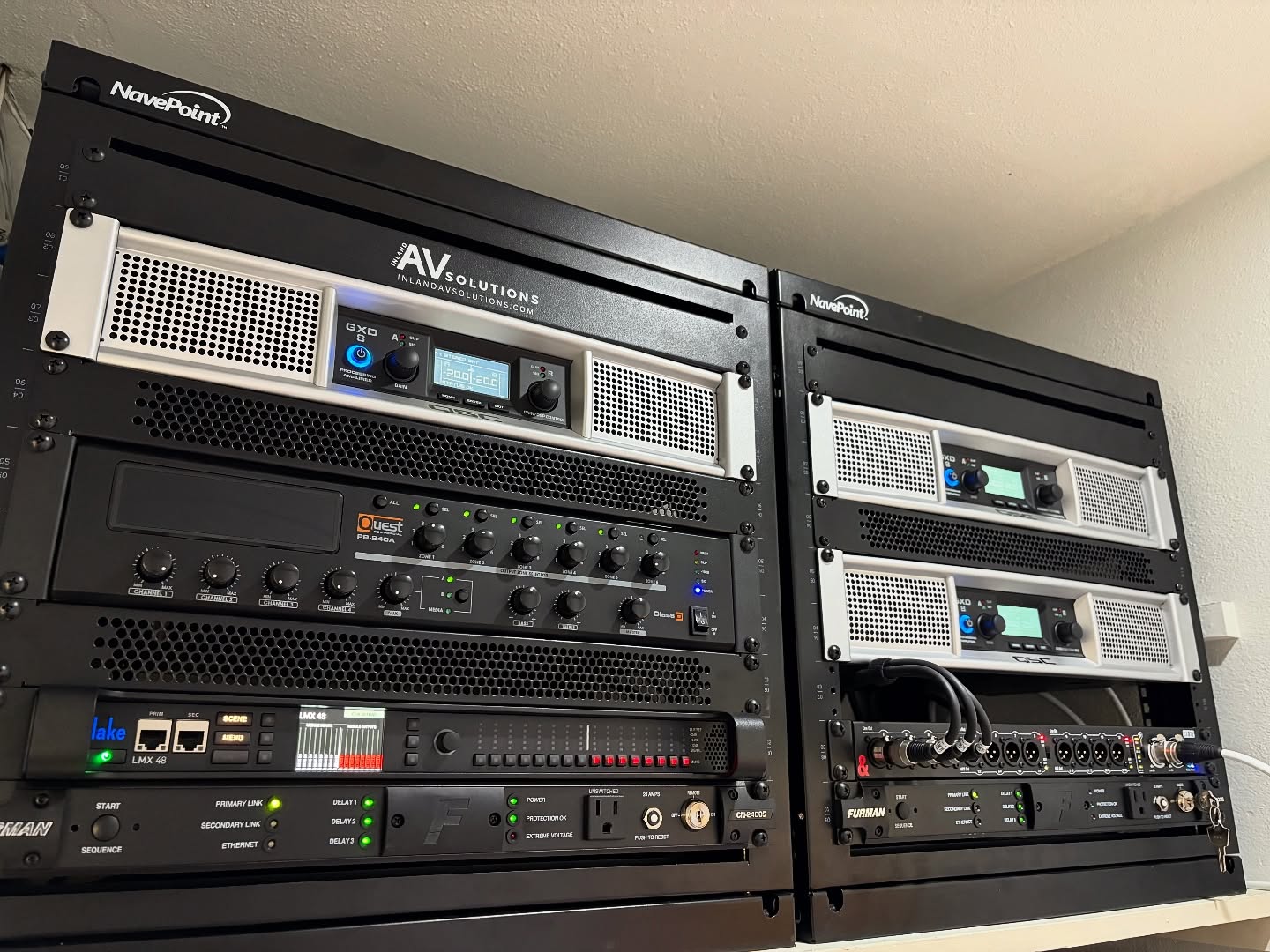
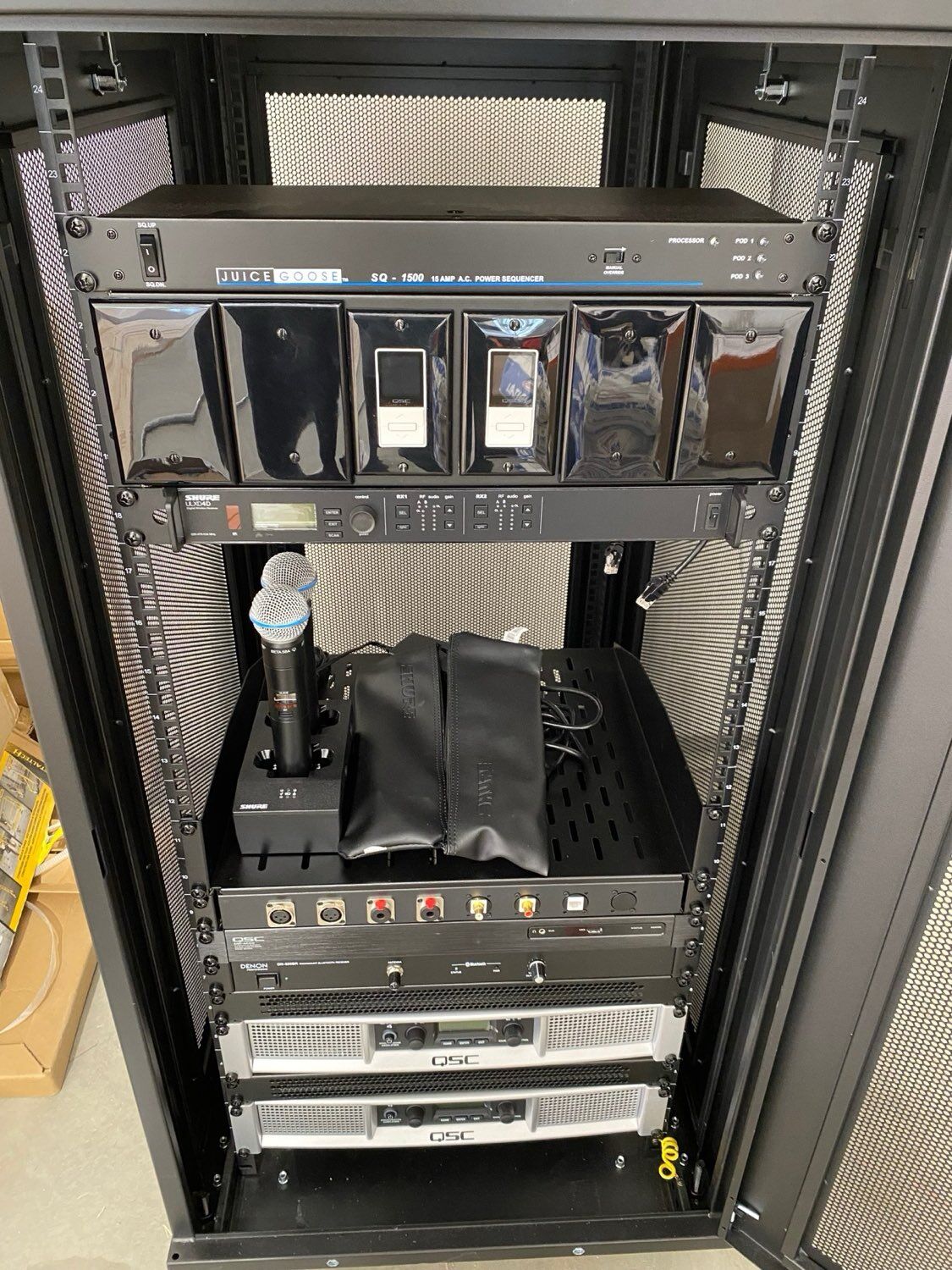
Commercial electronics are built to live in an equipment rack. The QSC CXD-Q amplifiers, for example, measure 3.5 by 19 inches on the front panel, the standard rack width, and QSC notes that they fit four channels of mic/line input and four channels of amplification into 2 rack units. Their inputs and speaker outputs use Phoenix-style screw-terminal connectors.
Control is the other half. In a conference room, classroom or venue, one touch panel or button usually turns on the display, selects the input and sets the volume. That only works if every device can take commands from the control system. LG's UH5N displays list an RS-232C input and output, an RJ45 network port, network-based control and compatibility with Crestron Connected. Consumer TVs are usually built around the remote, an app and HDMI-CEC, so check for a documented control port before planning a control system around one. Our control and automation page covers the systems we program.
How Are Commercial Displays Managed and Secured on a Network?
A business with many screens needs to manage them as a group, not one at a time. LG's UH5N sheet lists features for that: SNMP, status mailing, a group manager, a control manager, fail over, setting data cloning and wake on LAN, along with LG's SuperSign content and control software. For security, LG describes its Enhanced Kernel Protection technology as protecting important data from external access or attacks.
Audio gear works the same way. QSC says its CXD-Q amplifiers connect to a Q-LAN Ethernet network and that the Q-SYS Core configures and manages all of the peripherals to make sure every element of the system is working correctly. That is the kind of status reporting that lets support catch a problem before a meeting fails.
Commercial displays can also be locked down. Samsung's hotel comparison sheet describes lock-out controls for the rear panel and menu and volume limiters on its commercial TVs, and says consumer TVs lack the ability to lock guests out of the settings. Whatever you buy, work with IT to put AV devices on the right network segment, change default passwords and keep firmware current.
How Do Heat, Dust and Enclosures Differ?
Commercial gear publishes its operating limits and protections. LG lists an operating temperature of 0°C to 40°C for the UH5N, a built-in temperature sensor, conformal coating on the power board and an IP5X dust protection rating. QSC lists short circuit, open circuit, thermal and RF protection for its CXD-Q amplifiers.
Home electronics need room to breathe too, and their manuals say so. Sony's help guide for its STR-ZA receivers asks for more than 1.75 inches of space above and along the sides when the receiver sits in a rack, with the rack behind it open, and says the receiver needs sufficient space around it to release heat. Whatever the equipment, plan the rack or closet for ventilation from the start rather than closing a cabinet door on it after install.
What About Service and Parts Over Time?
For a business, a failed screen or amplifier means a room that cannot be used. Some commercial lines come with service built for that, such as the exchange and on-site repair Samsung describes for its commercial TVs. Standardizing on the same models across rooms also helps: a spare display, amplifier or touch panel can be swapped the same day, and a technician knows the gear before arriving. Our guide to managing AV across multiple rooms covers that approach. Ask about warranty handling and how long a model line is expected to stay available before you standardize on it.
When Is Consumer AV Equipment Fine?
Consumer equipment is the right choice in plenty of places:
- At home. Home theaters, family rooms and whole-home audio are what consumer gear is designed for.
- Light business use, with the warranty risk accepted. A break room TV that is on for an hour at lunch is a different job from a lobby display that runs all day. Read the warranty first, because some consumer warranties exclude commercial use.
- Single rooms with no control system. If nobody needs to turn the room on from one button or manage it remotely, control ports matter less.
Consumer gear can cost less up front. The question is whether it still costs less once you count the warranty, the hours of use, the integration work and the downtime if it fails.
How Do You Choose the Right Equipment for Your Space?
Start with how the space is used, not with a product list. Answer these questions for each room:
- How many hours a day and days a week will the displays and audio run?
- Does the warranty cover the way you will use the equipment?
- Will a control system, touch panel or schedule operate the room?
- Will the devices sit on your company network, and who will manage them?
- How many speakers are needed, and how far are they from the amplifier?
- Where will the equipment live, and how will heat get out?
- Who services it, and how fast does a failed part need to be replaced?
Our overview of types of AV systems can help you sort out what each room needs. When you are ready to pick models, our equipment sales and consultation service matches commercial or consumer gear to the job, and our service and support team looks after it once it is installed.
Sources
- LG: UH5N UHD signage display spec sheet
- Samsung US: HE terms and conditions, standard limited warranty
- Samsung: Consumer vs. Commercial TVs for the Hotel Room
- Biamp: Constant-voltage speaker systems
- QSC: CXD-Q Series network amplifier spec sheet
- Sony: STR-ZA series receiver help guide, installation precautions
Inland AV Solutions designs, supplies, installs and supports AV systems across San Bernardino and Riverside counties, as a licensed C-7 low-voltage contractor. Let's talk about your space.
Request a Quote