Choose Microsoft Teams Rooms if your organization already runs on Microsoft 365 and schedules meetings in Outlook and Teams. Choose Zoom Rooms if Zoom is where most of your internal and client meetings happen. Both platforms can join the other's meetings with some limits, so pick the one your people use every day.
Below, we compare room size, certified hardware, licensing, cross-platform joining, and the installation work that makes or breaks a room. If you are still mapping out your options, our overview of video conferencing systems covers the bigger picture.
Which Platform Fits an Organization Already on Microsoft 365 or Zoom?
Start with the platform your staff opens every morning. A room system is an extension of your daily meeting tool, not a separate decision.
If your company lives in Microsoft 365, Teams Rooms is the natural fit. Rooms are set up with a resource account and mailbox, people book them the same way they invite a colleague in Outlook, and the room shows a one-touch join button for scheduled Teams meetings.
If your company runs on Zoom, Zoom Rooms gives you the same kind of one-tap experience inside the Zoom ecosystem. Rooms are managed from the Zoom admin portal, and users see an interface that matches the Zoom app they already know.
Mixed environments are common. Maybe your internal meetings are on Teams but your biggest clients send Zoom invites. In that case, pick the platform that covers most of your meetings and plan to use cross-platform joining for the rest, which we cover below.
How Does Room Size Change the Right Setup?
Both platforms scale from small huddle spaces to full boardrooms. What changes with size is the hardware and design, not the choice of platform.
- Huddle rooms (a few people): an all-in-one video bar with a built-in camera, microphones, and speakers, mounted with a single display and a small touch controller on the table.
- Medium rooms (a standard conference table): a video bar or a separate camera, with added table or ceiling microphones so voices at the far end of the table are picked up clearly. Display size and viewing distance start to matter here.
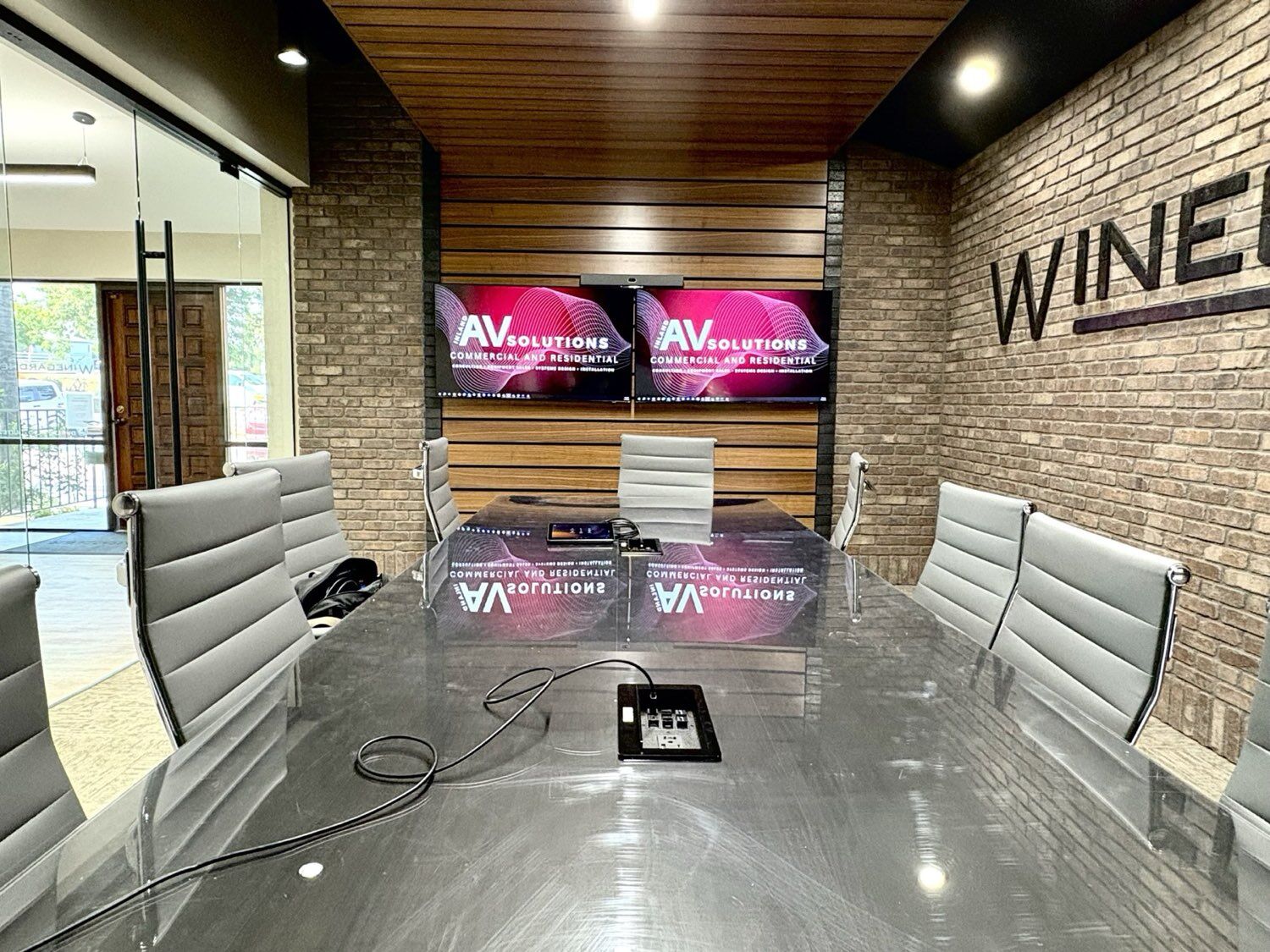
- Boardrooms and large rooms: multiple cameras, ceiling microphone arrays, dedicated speakers, audio processing, and often dual displays. These rooms need real design work around coverage, sight lines, and acoustics.
One platform detail worth knowing: Microsoft lists dual screen support and multi-camera support as Teams Rooms Pro features, so larger Teams rooms usually need the Pro license. Our conference room integration work sizes each room to how it is actually used.
What Hardware Does a Certified Room Need?
Microsoft and Zoom each run certification programs, and it pays to stay on the certified list for your platform. Certified gear is tested with the room software, which means fewer surprises.
A typical room is built from the same general categories on either platform:
- Cameras: from fixed wide-angle lenses in video bars to motorized cameras that frame whoever is speaking.
- Microphones: built into a video bar, placed on the table, or mounted in the ceiling for a cleaner look.
- Speakers: integrated in the bar or installed in the ceiling or walls for even coverage.
- Touch controllers: a tabletop console that starts, joins, and ends meetings.
- Content sharing: wired HDMI input and wireless sharing so people can present from a laptop.
- Room computer or appliance: either a small compute module or an all-in-one appliance that runs the room software.
Some hardware makers build devices for both platforms, but a room system runs one native platform at a time, so confirm certification for the specific platform you choose.
How Does Licensing Work for Each Platform?
Both platforms license rooms separately from individual user accounts, so budget for it from the start. Pricing changes often, so confirm current terms with the vendor before you buy.
Microsoft Teams Rooms has two licenses. Teams Rooms Basic covers core meeting features at no additional cost for organizations that buy a certified Teams Rooms system, and it is limited to a set number of rooms per organization. Teams Rooms Pro adds features like dual screens, multi-camera support, intelligent audio and video, and advanced remote management.
Zoom Rooms requires a Zoom Rooms license for each conference room. Zoom also offers specialized room types, such as scheduling displays and digital signage, that are handled differently.
Can a Teams Room Join a Zoom Meeting, and Vice Versa?
Yes, in both directions, but with trade-offs compared to a native meeting.
Teams Rooms joining Zoom: Microsoft documents two methods. Direct Guest Join runs the other platform's web experience on the room and supports Zoom, Cisco Webex, and Google Meet. Microsoft notes it is limited to one front-of-room display, video up to 720p, and it cannot send content over HDMI. The second method, cross-platform meetings via SIP, supports more features but requires a Teams Rooms Pro license and a paid SIP dialing plan. An administrator must enable third-party meetings on the room either way.
Zoom Rooms joining Teams: Zoom documents Zoom Interop for Microsoft Teams, using either a web client method or a SIP connection through a Cloud Video Interop (CVI) service. For the SIP method, the Teams meeting host needs a CVI subscription from a third-party provider. Zoom also notes that the Teams meeting must allow anonymous participants, free Teams meetings are not supported, and the web client method only supports rooms with a single camera, microphone, and speaker.
Interop works well for the occasional outside meeting. If half your calendar is on the other platform, that is a signal to rethink which platform the room is built around.
Is a BYOD or BYOM Room a Better Fit?
Not every room needs a dedicated room system. In a bring-your-own-device (BYOD) or bring-your-own-meeting (BYOM) room, the person running the meeting connects a laptop to the room's camera, microphones, speakers, and display, usually through a single USB or USB-C connection. The meeting runs on the laptop, so it works with Teams, Zoom, Google Meet, or whatever platform the invite uses.
The trade-off is convenience. There is no one-touch join from a shared console, and the meeting depends on each person's laptop and setup. BYOD rooms suit flexible spaces, training rooms, and organizations that constantly meet on different platforms. Many offices mix both: dedicated rooms for daily meetings and BYOD rooms for everything else.
Why Does Professional Integration Matter for Either Platform?
The platform decides the software. The installation decides whether people on the far end can see and hear you. Most room complaints trace back to the room itself, not to Teams or Zoom:
- Acoustics: hard walls, glass, and bare floors cause echo that microphones pick up. Acoustic treatment helps microphones pick up clear speech instead of a hollow room.
- Camera placement: the camera needs to sit at the right height and angle to frame everyone at the table, not the tops of heads.
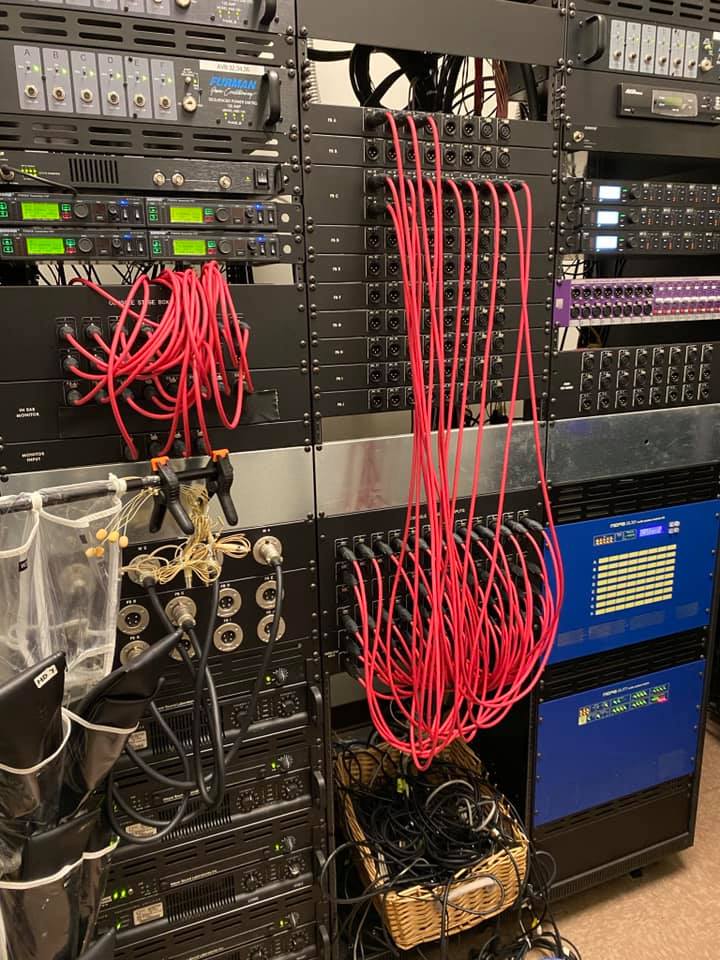
- Cabling: clean, properly rated structured cabling to the display, table, and ceiling keeps the room reliable and tidy.
- Network: room systems need solid wired connections and, for cross-platform joining, firewall rules that let traffic reach the other platform's services.
If you are comparing installers, our guide on how to choose a commercial AV integrator lists the questions to ask before you sign.
So Which One Should You Choose?
Match the room to the platform your people already use. Microsoft 365 organizations will usually be happiest with Teams Rooms, and Zoom-first organizations with Zoom Rooms. Size the hardware to the room, budget for licensing, use interop for occasional outside meetings, and add BYOD rooms where flexibility matters more than one-touch joining.
Sources
- Microsoft Learn: Third-party meetings on Teams Rooms
- Microsoft Learn: Microsoft Teams Rooms licenses
- Microsoft Learn: Teams Rooms certified systems and peripherals
- Zoom Support: Using Zoom Interop for Microsoft Teams in Zoom Rooms
- Zoom Support: Joining a third-party meeting from a Zoom Room
- Zoom Support: Understanding Zoom Room types and license requirements
Inland AV Solutions designs, installs, and supports conference room and video conferencing systems across San Bernardino and Riverside counties, as a licensed C-7 low-voltage contractor. Let's talk about your rooms.
Request a Quote