A conference room ready for video meetings needs six things: a camera that sees every seat, microphones that hear every seat, speakers people can understand, a display sized for the room, a simple way to start the meeting, and wired network and power. Room acoustics tie it all together, and the right setup depends on room size.
Below is a practical checklist, room size by room size, of what to plan before you buy. If you already know what you want, our conference room integration page covers how we design and install meeting rooms across the Inland Empire.
What Are the Parts of a Video Meeting Room?
Microsoft lists the core pieces of a Teams Rooms setup, and the same parts apply to almost any meeting room, whatever platform you use:
- A camera that frames the whole table.
- Microphones that pick up everyone, not just the person nearest the laptop.
- Speakers so remote people sound clear and natural.
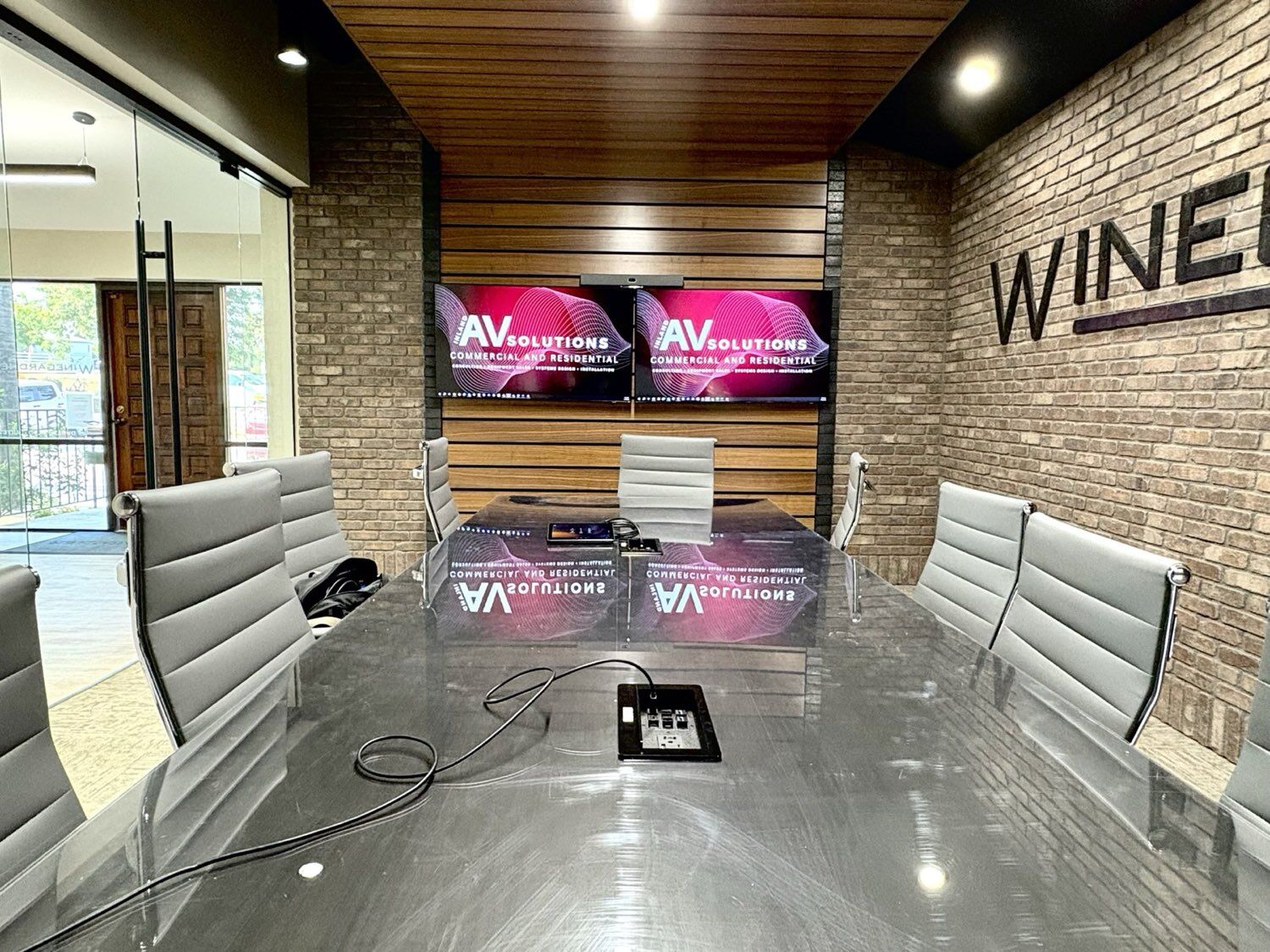
- One or two displays at the front of the room for people and shared content.
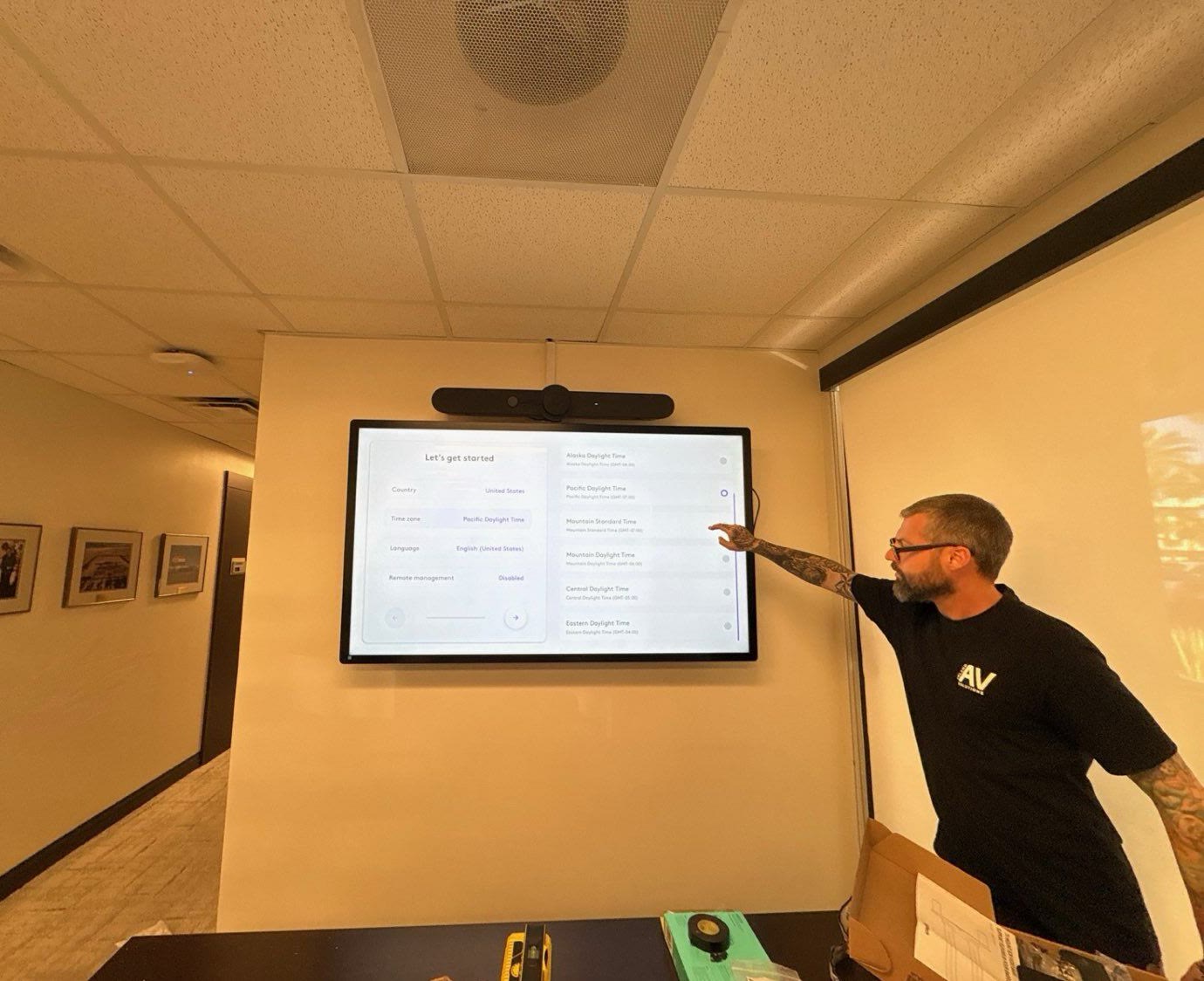
- A touch console or controller to start, join and end meetings.
- A computer that runs the meeting software, built into the system or a small dedicated unit.
- An HDMI or wireless sharing input so a guest can put a laptop screen up.
That list comes from Microsoft's Teams Rooms planning guide, which also notes a Teams Rooms system supports a maximum of two front-of-room screens.
How Does Room Size Change What You Need?
Room size decides most of the equipment choices. Microsoft's planning guide uses these sample room types:
- Focus room (about 10 by 9 feet, 2 to 4 people): one display and an all-in-one video bar is often enough.
- Small room (about 16 by 16 feet, 4 to 6 people): a video bar still works in many cases, as long as its microphones reach the far end of the table.
- Medium room (about 18 by 20 feet, 6 to 12 people): usually needs extra table or ceiling microphones and a larger display or two.
- Large room (about 15 by 32 feet, 12 to 16 people): plan separate cameras, ceiling microphones, dedicated speakers and dual displays.
Long, narrow rooms and boardrooms are where all-in-one devices struggle most. People at the far end end up small on screen and hard to hear, which is when a designed system pays for itself.
What Camera Does a Conference Room Need?
The camera's job is to show every person clearly, not just the middle of the table. Look for:
- A wide enough field of view to see the seats closest to the screen, which wide-angle cameras handle in small rooms.
- Optical zoom or a second camera in larger rooms, so people at the far end are not tiny.
- Automatic framing or speaker tracking, which adjusts the shot as people come and go or start talking.
- Placement at eye level, usually just above or below the display, so remote people feel like they are looking at the room.
Microsoft's guide also flags a simple problem many rooms have: chairs that block the camera's view. Check sight lines from the camera to every seat before you mount anything.
What Microphones and Speakers Work Best?
Audio matters more than video. Remote people will tolerate a soft picture, but they will not stay engaged if they cannot understand what is said. Microsoft notes that when bandwidth runs short, Teams protects audio quality ahead of video, for the same reason.
- Small rooms: the microphones built into a quality video bar are usually enough.
- Medium rooms: add table microphones or a ceiling microphone so the far end of the table is heard as well as the near end.
- Large rooms: ceiling microphone arrays keep tables clear and cover every seat, paired with ceiling or wall speakers.
- Echo cancellation: any setup with separate speakers and microphones needs it, so remote people do not hear themselves come back.
Placement is as important as the hardware. Microphones should sit close to where people talk and away from projector fans, vents and the speakers themselves.
How Big Should the Display Be?
The display needs to be big enough for the person in the farthest seat to read what is shared. The AV industry's standard for this is AVIXA's DISCAS (Display Image Size for 2D Content in Audiovisual Systems), which calculates image size from the farthest viewer's distance and how detailed the content is.
In practice, that means:
- Size the screen to the back of the room, not the front.
- Spreadsheets and detailed drawings need a bigger image than slides with large text.
- Two displays let you show remote people on one and shared content on the other, so nobody has to choose.
- Large rooms may be better served by an LED video wall or a projector than by one very large flat panel.
How Should People Start a Meeting?
The best conference room is one nobody has to think about. A touch console on the table, or a small panel by the door, should let anyone join the next meeting with one tap. Good room systems:
- Show the room's calendar, so the next meeting is right there to join.
- Turn the displays on and off automatically.
- Let guests share a laptop by cable or wirelessly without calling IT.
- Control lights and shades in larger rooms, through a system like Control4 control and automation.
Which platform you run, Microsoft Teams Rooms or Zoom Rooms, shapes the console and the license. Microsoft says each dedicated meeting room device needs a Teams Rooms license, either Pro or Basic. We compare the two in Teams Rooms vs Zoom Rooms.
Why Do Room Acoustics Matter So Much?
A great microphone in a bad room still sounds bad. Glass walls, bare drywall, hard tables and high ceilings bounce sound around, so remote people hear a hollow, echoey voice and miss words.
Microsoft's planning guide calls this out directly: check that a room does not have excessive echo or noisy air conditioning before you install a system. The usual fixes:
- Acoustic wall panels on at least two walls, especially parallel ones.
- Carpet or a large rug, and acoustic ceiling tiles where possible.
- Quieter HVAC diffusers, or microphones placed away from vents.
- Sound masking in the hallways outside, so conversations stay inside the room. Our sound masking and acoustics work covers both sides of the wall.
What Network and Cabling Does a Video Room Need?
Video rooms run on the network, and most call quality problems trace back to it.
- Wired Ethernet to the room system. Microsoft notes that Wi-Fi networks are not necessarily designed or configured to support real-time media.
- Enough bandwidth for every room at once. In Microsoft's Teams network guidance, the recommended rate for video meetings is 2,500 kbps up and 4,000 kbps down per endpoint. Zoom's system requirements list 3.8 Mbps up and 3.0 Mbps down for 1080p group video.
- Quality of Service (QoS). Microsoft recommends QoS so voice and video traffic gets priority over file downloads and backups.
- Power and cable paths. Microsoft lists sufficient power for the screens and room system as a planning check. Plan outlets, data drops and conduit for the display wall, the table and any ceiling microphones before the walls are closed.
New construction and remodels are the easiest time to get this right. Our low-voltage and structured cabling team runs the data, video and control cabling a meeting room needs.
What Drives the Cost of a Video Meeting Room?
There is no single price per room, because two rooms of the same size can need very different designs. The main cost drivers are:
- Room size, seat count and shape, especially long boardrooms
- An all-in-one video bar versus separate cameras, microphones and speakers
- One display or two, or an LED wall or projector in large rooms
- How much acoustic treatment the room needs
- Whether data, power and cable paths already exist, or need new runs
- Platform licensing for dedicated Teams Rooms or Zoom Rooms systems
A site walkthrough is the fastest way to get a real number for your room.
A Quick Conference Room Checklist
- Count the seats and measure the room, including the distance to the farthest seat.
- Choose the platform: Teams Rooms, Zoom Rooms, or a room where people bring their own laptop.
- Pick a camera that sees every seat, with zoom or a second camera for larger rooms.
- Plan microphones that reach the far end of the table, and speakers with echo cancellation.
- Size the display from the farthest seat, and consider a second screen.
- Add a one-tap console and easy laptop sharing.
- Treat echo and HVAC noise.
- Run wired network, power and cable paths, with QoS on the network.
- Test a real call from every seat before the room goes into use.
So, What Does Your Conference Room Need?
For a small huddle room, a quality video bar, one display, a touch console and a wired connection may be all you need. For medium and large rooms, plan separate microphones, speakers, a bigger or second display, acoustic treatment and proper cabling. In every room, design around the farthest seat, and test before you call it done.
Sources
- Microsoft Learn: Plan for Microsoft Teams Rooms
- Microsoft Learn: Prepare your organization's network for Teams
- Zoom Support: Zoom system requirements
- AVIXA: DISCAS display image size calculator
Inland AV Solutions designs, installs and supports conference rooms across San Bernardino and Riverside counties, as a licensed C-7 low-voltage contractor. Let's talk about your space.
Request a Quote