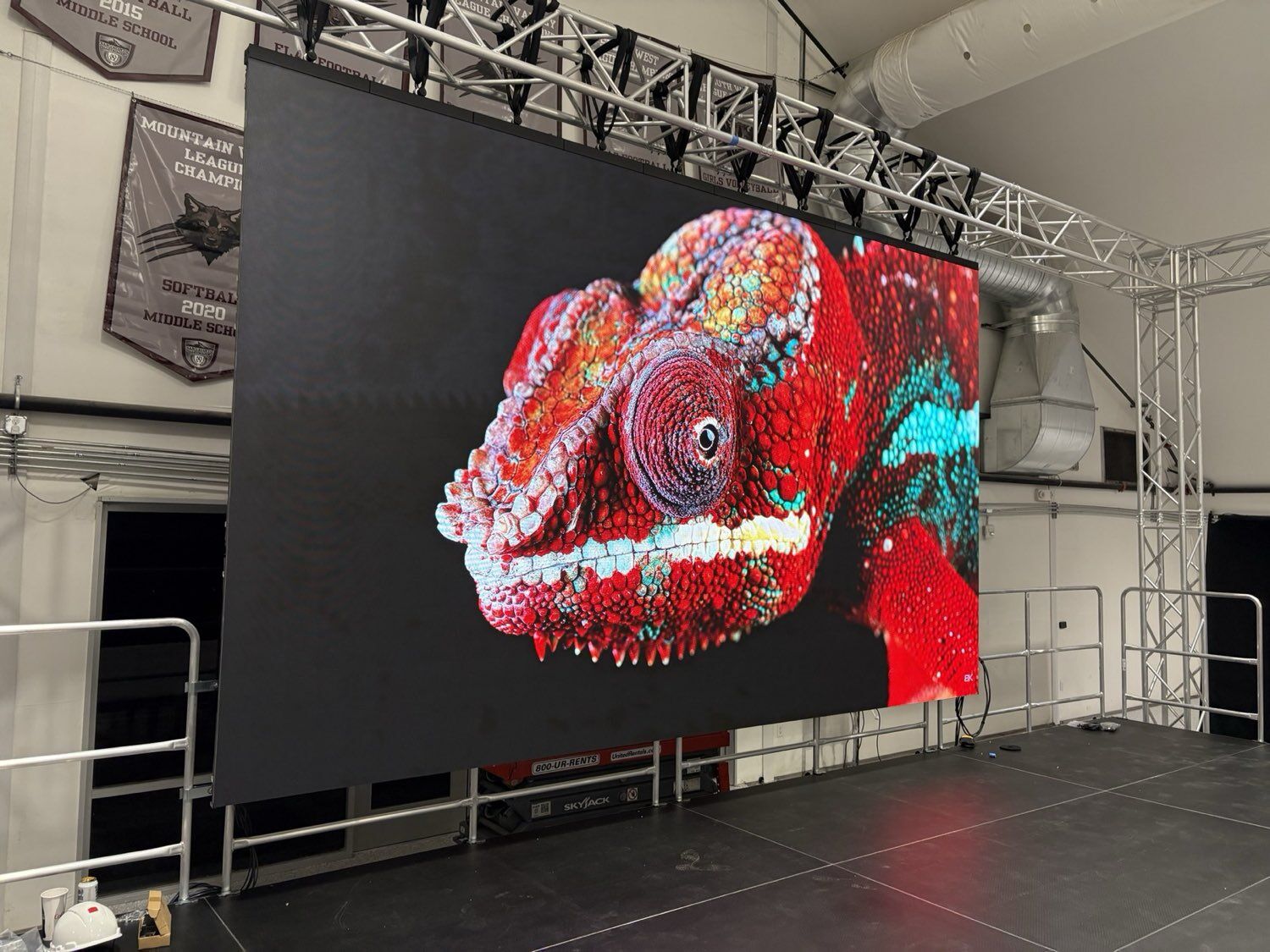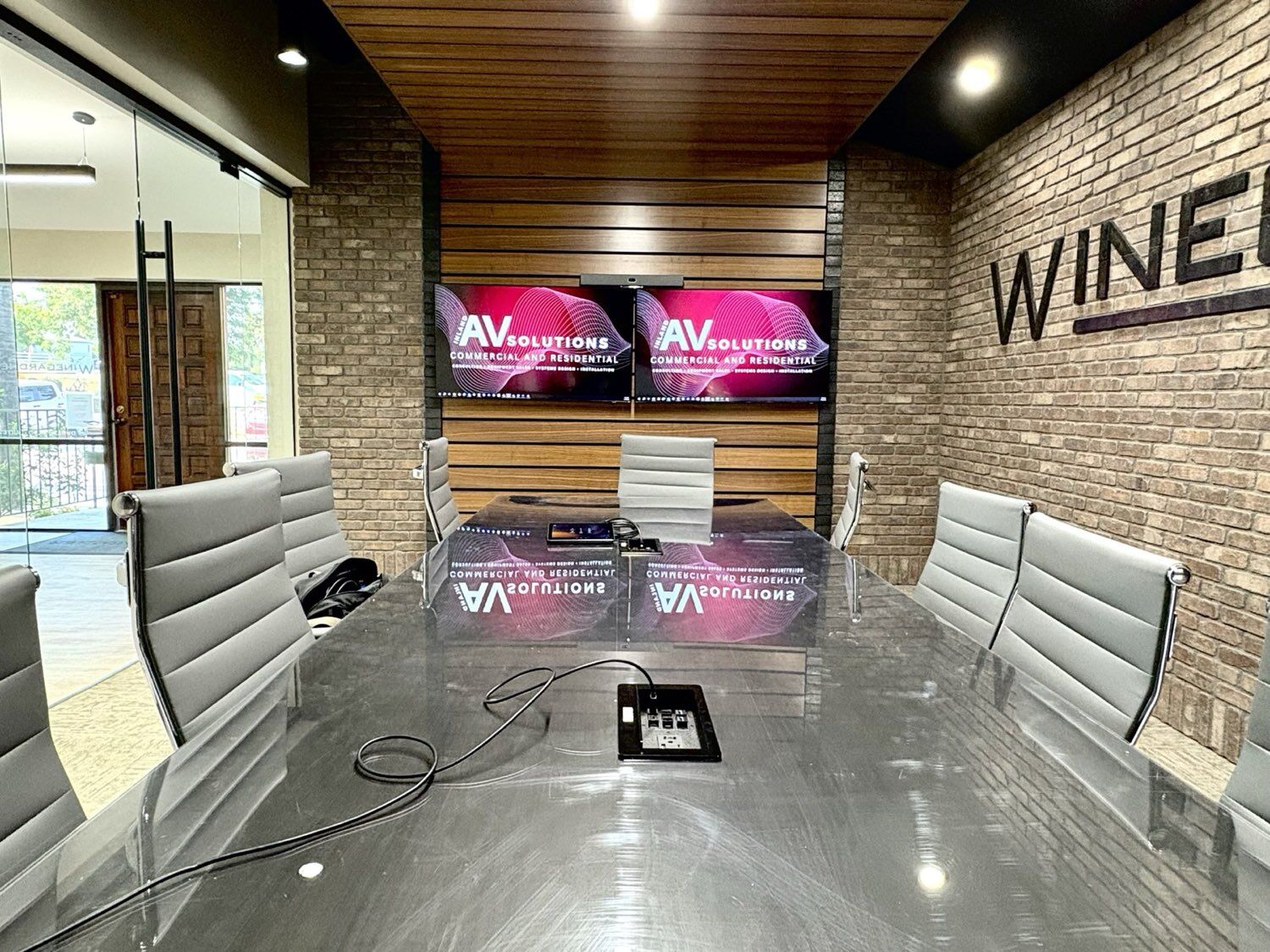
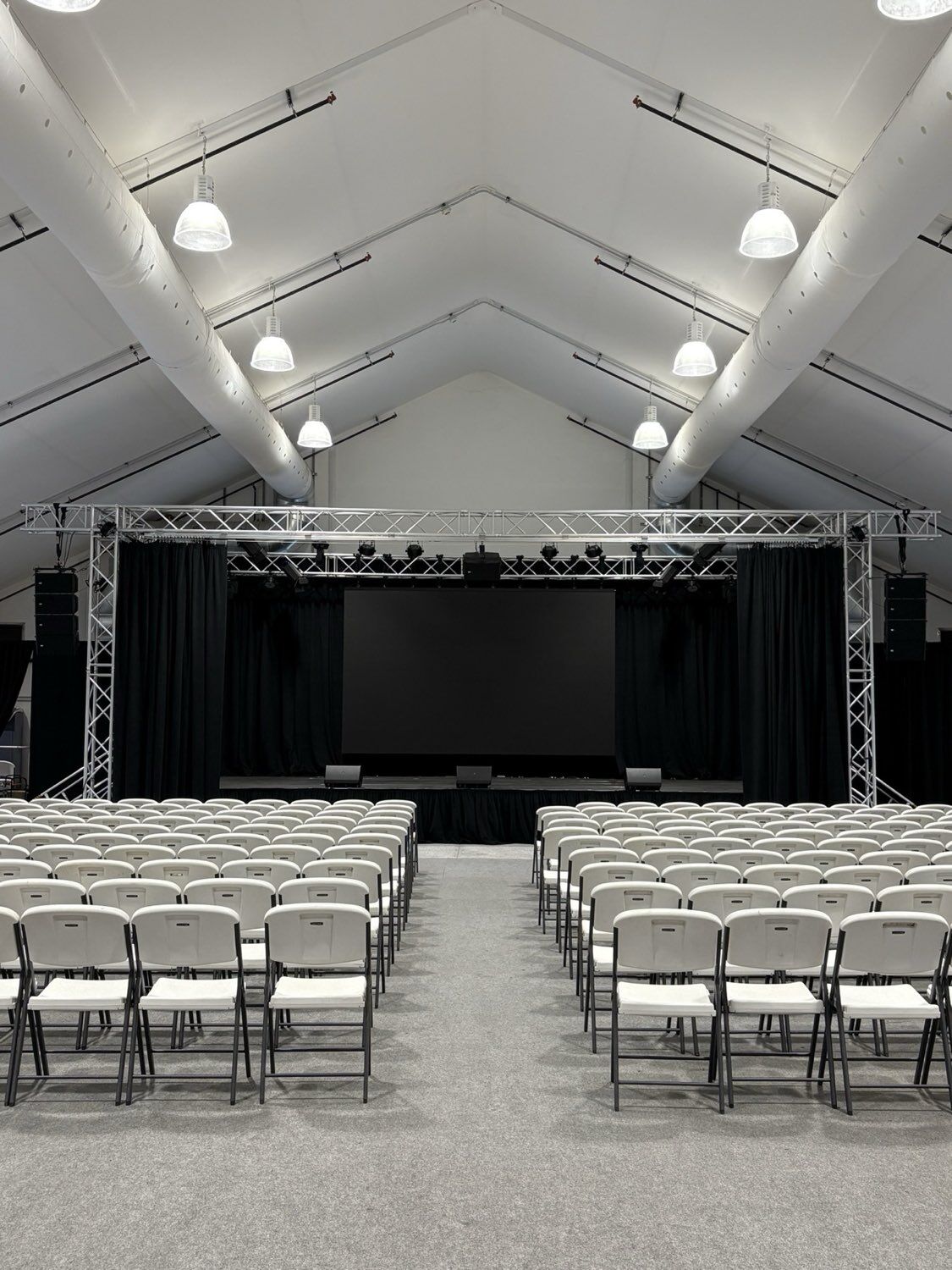
Choose an LED video wall when the room is bright, the display runs all day, or the image must hold up with the lights on. Choose a projector when you need a very large image in a room where you can control light, or want the screen to disappear when it is not in use.
Both put a big picture on a wall, but they make that picture in different ways, and that difference drives everything from brightness to maintenance. This guide compares them point by point so you can decide which belongs in your conference room, sanctuary, gym, lobby or home theater. If you have already settled on LED and need to choose between indoor and outdoor products, our guide to indoor vs outdoor LED displays covers that decision.
How Do Projectors and LED Video Walls Make an Image?
A projector shines light through a lens onto a screen, and you see the light that bounces back. The screen, the throw distance and the room's own light all shape what reaches your eyes.
An LED video wall is the light source itself. Samsung's guide to direct view LED explains the term: viewers look directly at tiny red, green and blue LEDs mounted in modules, which are assembled into cabinets and then into a wall of almost any size. There is no screen and no light path to keep clear.
That one difference explains most of the comparison below. Reflected light is sensitive to everything else in the room. Emitted light is not.
Which Handles Bright Rooms Better: Lumens or Nits?
Projectors and LED walls are rated in different units, which makes spec sheets hard to compare.
- Lumens measure the total light a projector puts out. Epson's projector brightness guide notes that it rates white brightness under ISO 21118 and color brightness under IDMS 15.4, and warns that a single lumen figure usually refers only to white. Epson says color brightness may be as little as one third of the stated lumens on some projectors, so ask for both numbers.
- Nits measure how bright a display surface looks. One nit is one candela per square metre. LED walls are rated in nits. Samsung lists its IEF indoor LED at 600 nits, for example.
The key point: a projector's lumens are spread across the whole screen. Put the same projector on a screen twice as wide and the image gets dimmer, because the same light covers four times the area. Screen material changes the result too, so the brightness you see depends on the projector, the screen and the room together.
Room light hurts projection more than LED. Light from windows and fixtures lands on the projection screen and reflects back along with the image, which lifts the darkest parts of the picture and flattens contrast. AVIXA's Image System Contrast Ratio standard reflects this: it applies to front projection, rear projection and direct view displays alike, measures contrast in the system's typical use case, and defines four contrast ratios based on what the content requires viewers to do.
LED walls hold up better here. Samsung's guide states that LED is generally capable of overcoming glare from the sun or bright ambient lighting, and that drapes, blinds and dimmers usually are not needed to view direct view LED. For projection, Epson suggests a minimum of 1,500 lumens for a home theater with low ambient light, and at least 2,500 lumens for classrooms, conference rooms or rooms with windows. Larger screens and brighter rooms need more.
Which Gives a Bigger Image, and What About Seams?
Projectors make one continuous image from one lens, so a single projector has no seams. Image size depends on the throw distance and the lens. For very wide images, several projectors can be combined: Epson's projectors include an edge blending feature that overlaps and blends the edges of neighboring images into one picture. Blended systems need careful alignment and matching brightness across projectors.
LED video walls are modular. Samsung's guide notes that an LED screen can be as wide or as tall as it needs to be, can curve gently against walls and can wrap around entryways. Cabinets butt edge to edge, and the same guide says that, unlike LCD video walls with their thin but noticeable bezel lines, properly installed direct view LED shows no lines interrupting the content. The word that matters is properly: a gap-free result depends on a flat, square structure and careful alignment.
Resolution works differently too. A projector has a fixed resolution, such as 1080p or 4K, and those pixels grow larger as the screen grows. An LED wall's resolution comes from its size and pixel pitch, so a bigger wall at the same pitch has more pixels.
How Do Viewing Distance and Pixel Pitch Change the Choice?
Start with the farthest seat. AVIXA's DISCAS calculators, based on the ANSI/AVIXA V202.01 standard for display image size, work from three inputs: the farthest viewer, the image height and the vertical resolution of the content. AVIXA defines the viewing ratio as farthest viewer distance divided by image height. The point applies to both technologies: if the people in the back row need to read a spreadsheet, the image has to be tall enough for them, whatever makes it.
LED adds a second check at the front of the room: pixel pitch. Pitch is the distance between pixels in millimetres. Samsung's rule of thumb is about 1mm of pitch for every 8 feet of viewing distance, so a 1mm wall looks sharp from about 8 feet, while a 3mm wall looks just as good from 24 feet and beyond. Close viewers need a fine pitch, which raises the panel count. Our indoor vs outdoor LED guide goes deeper on matching pitch to distance.
Projectors do not have a pitch to choose. Their limit is resolution spread over screen size, plus the brightness lost as the screen gets bigger.
How Long Do Projectors and LED Walls Last, and What Upkeep Do They Need?
Manufacturers publish life ratings, but they measure them in different ways, so read each figure with its footnote.
- Lamp projectors: Epson rates the UHE lamp in its BrightLink 685Wi+ and 695Wi+ at up to about 5,000 hours in Normal mode and up to about 10,000 hours in ECO mode. Lamps are a planned replacement part.
- Laser projectors: Epson's specifications for one of its laser projectors list up to about 20,000 hours in Normal or Quiet mode and up to about 30,000 hours in Extended mode. Epson notes that laser life varies with mode, environment and usage, and that brightness decreases over time.
- LED video walls: Samsung's article on LED lifespan calls 100,000 hours the industry standard. It explains that the figure marks when a diode degrades to half brightness, not when it goes dark, and that it assumes every diode runs at full brightness constantly.
Upkeep looks different as well. Lamp projectors need lamp changes, and many projectors use air filters that need attention in dusty rooms. Any projector needs the lens and the beam path kept clear, and the image alignment checked over time. LED walls have no lamp, but modules, power supplies and receiving cards occasionally need replacing, which is why front or rear service access matters. Samsung's guide adds that some LCD video walls drift in color and brightness over time, while good LED systems and image processing keep the wall uniform.
What Does Each Need for Installation?
Projector installs
- Placement and throw: the projector has to sit at the right distance for the lens and screen size. Short-throw models work closer to the screen, which helps in small rooms and where people walk in front of the image.
- Screen: fixed frames, motorized screens that roll up when not in use, or a painted surface, chosen for the room's light.
- Mounting and power: a ceiling or wall mount, power at the projector location and a signal run from the source.
- Heat and noise: the projector's heat and fan noise stay near the mount. Epson lists the lamp in the BrightLink 685Wi+ at 250 W, for example.
LED video wall installs
- Structure: the wall or frame must carry the full weight of the cabinets and stay flat so the cabinets line up.
- Power: LED draw scales with area. Samsung lists the IEF indoor LED at 495 W per square metre maximum, so a large wall may need dedicated circuits.
- Heat: that power becomes heat in the room, which the HVAC system has to handle.
- Processing and service: a video processor drives the wall, and the design needs front or rear access for maintenance.
Either way, the work goes beyond hanging hardware. As a licensed C-7 low-voltage contractor, our team handles mounting, power, signal routing and screen installation for projection systems, and structure, power coordination, processing and commissioning for LED video walls across San Bernardino and Riverside counties.
Which Is Better for Your Type of Room?
- Conference rooms: rooms with windows and overhead lights on during meetings favor LED or a flat panel, because the image has to stay readable without closing blinds. Smaller rooms with controlled light can use a short-throw projector. Either way, the display has to work with the camera and the people on the call; our conference room integration work covers the whole room.
- Houses of worship: lyrics, sermon notes and IMAG need to reach the back pew. A sanctuary that dims its lights can use bright projection on large screens. A room with daylight or house lights up favors LED. See our houses of worship AV page for how we approach sanctuaries.
- Classrooms and gyms: classrooms often run with the lights on, so projector brightness matters; Epson's 2,500 lumen minimum for rooms with windows is a starting point. Gyms have high ceilings, bright lighting and flying balls, which favors a protected LED wall over a projector and screen.
- Lobbies: lobbies are bright, often have glass, and run content all day. That is LED territory, both for brightness and because Samsung's 100,000 hour rating suits long daily run times.
- Home theaters: this is where projection fits best. You control the light, the room is dark for movies, and a large screen is the goal. Epson's 1,500 lumen minimum for low-light home theaters is a starting point. A media room that doubles as a bright family room may suit a direct view display better.
Projector vs LED Video Wall: Side by Side
| Factor | Projector | LED video wall |
|---|---|---|
| How it makes light | Reflected off a screen | Emitted directly by LEDs |
| Brightness rating | Lumens (ISO 21118 white, IDMS 15.4 color) | Nits (candelas per square metre) |
| Bright rooms | Contrast drops as room light hits the screen | Generally holds up to bright ambient light |
| Seams | None with one projector; blended edges with several | None visible when properly installed |
| Resolution | Fixed by the projector | Set by wall size and pixel pitch |
| Rated life | Lamp: about 5,000 to 10,000 hours (Epson example). Laser: about 20,000 to 30,000 hours | 100,000 hours to half brightness (Samsung) |
| Routine upkeep | Lamps, filters, alignment | Module, power supply or card swaps |
| Install needs | Throw distance, mount, screen, clear beam path | Structure, power by area, heat load, service access |
| Best fit | Controlled light, very large images, home theaters | Bright rooms, lobbies, gyms, all-day content |
How Do You Decide Between a Projector and an LED Wall?
- Describe the room's light at the times the display is used: windows, skylights, house lights up or down.
- Measure the farthest viewer and the closest viewer.
- Decide what people must do with the content: watch video, read slides or study detailed data.
- Size the image from the farthest viewer, using the AVIXA approach as a guide.
- If you lean toward LED, choose pixel pitch from the closest viewer (about 1mm per 8 feet as a starting point).
- If you lean toward projection, plan lumens for the screen size and the room's light, and ask for both white and color brightness.
- Count the hours the display will run each day and compare rated life and upkeep.
- Check the structure, power, cooling and service access the room can support.
If the room is dark when the display matters and you want the biggest picture, projection is often the right call. If the room is bright, the display runs all day, or the image has to look the same at noon and at night, an LED video wall is usually worth it.
Sources
- Epson: projector guide, color brightness and lumens
- Epson: BrightLink 685Wi+/695Wi+/675Wi+ lamp specifications
- Epson: laser projector light source specifications
- Epson: blending the image edges with multiple projectors
- Samsung: The ultimate guide to direct view LED (white paper)
- Samsung Insights: the truth about LED lifespan
- Samsung: IEF indoor LED specifications
- AVIXA: Image System Contrast Ratio standard
- AVIXA: DISCAS display image size calculators
- Candela per square metre (nit) reference
Inland AV Solutions designs, installs and supports projection systems and LED video walls across San Bernardino and Riverside counties, as a licensed C-7 low-voltage contractor. Let's talk about your space.
Request a Quote